MASS DATA — AI Marketing Automation

Connect ChatGPT to CRM Without Compromising Data Quality

Learn how to connect ChatGPT to CRM while maintaining data quality and integrity.

Are you looking to connect ChatGPT to your CRM without risking your valuable data? Integrating AI tools like ChatGPT or Claude into your customer relationship management system offers exciting possibilities but also presents challenges. Understanding how to do this effectively is crucial for any marketing operations manager or small business owner.

Key Takeaways
Integrating AI can enhance your CRM's functionality and improve customer interactions.
Ensuring data quality and security during integration is essential to protect sensitive information.
A step-by-step guide can help simplify the process and address common challenges.
A vibrant office scene with professionals discussing AI and CRM integration, featuring glowing screens and flowing data strea

What is API Integration
for ChatGPT and Claude?

Understanding APIs and Their Role

API stands for Application Programming Interface. It is a set of rules that allows different software applications to communicate with each other. In the context of connecting ChatGPT or Claude to your CRM, APIs enable the seamless exchange of data between these AI tools and your customer relationship management system. This integration allows businesses to automate tasks, enhance customer interactions, and improve data analysis.

For example, when a lead fills out a form on your website, an API can trigger ChatGPT to generate a personalized response, which is then sent directly to your CRM. This process ensures that the lead's information is captured accurately and promptly, streamlining your workflow.

Key Components of CRM Systems

A CRM system is designed to manage a company's interactions with current and prospective customers. It consists of several key components:

  • Data Management: CRMs store vital customer information, such as contact details, purchase history, and interaction logs.
  • Automation Tools: These allow for the automation of repetitive tasks, such as follow-up emails or reminders.
  • Analytics and Reporting: CRMs provide insights into customer behavior and sales performance, which can be enhanced with AI analysis.
  • Integration Capabilities: Modern CRMs offer APIs that facilitate connections with other tools, including ChatGPT and Claude.

Connecting ChatGPT or Claude to your CRM can enhance how you manage customer interactions. However, it's crucial to ensure that data integrity is maintained throughout the integration process. Poorly configured integrations can lead to data loss or inaccuracies, undermining the benefits AI can provide. By understanding the role of APIs and the components of your CRM, you can make informed decisions about integrating AI into your operations.

How to Connect ChatGPT
to CRM: A Step-by-Step Guide

When considering how to connect ChatGPT to CRM systems, it’s essential to take a methodical approach. This ensures not only successful integration but also the safety and quality of your data.

Pre-Integration Considerations

Before diving into the integration process, evaluate your current CRM and how ChatGPT can enhance it. Here are key points to consider:

  • Identify Use Cases: Determine how you want to use ChatGPT. For example, will it assist in lead generation, customer support, or data entry?
  • Understand Data Flow: Map out how data will move between ChatGPT and your CRM. This includes which fields need to be connected and how to maintain data integrity.
  • Assess Data Privacy: Ensure compliance with data protection regulations, such as GDPR or CCPA. Know what data you can share and how to protect sensitive information.

Setting Up the Connection

Connecting ChatGPT to your CRM generally involves using APIs or webhooks. Here’s a straightforward process:

  1. API Access: Obtain the necessary API keys or credentials for both ChatGPT and your CRM (like HubSpot or Klaviyo). This typically involves creating an application within your CRM’s developer settings.
  2. Data Mapping: Define how fields in ChatGPT correspond to those in your CRM. For example, if ChatGPT collects customer inquiries, map those to your CRM’s lead or contact fields.
  3. Integration Platform: Use integration tools like Zapier or Make to facilitate the connection. These platforms allow for easier setup without extensive coding.

Verifying Data Transfer

Once the connection is established, it’s crucial to verify that data is flowing correctly. Follow these steps:

  • Test Automations: Create a test scenario. For instance, if a lead fills out a contact form, ensure that this triggers the right automation in your CRM.
  • Audit Data Quality: Regularly check that the data being transferred is accurate and complete. This helps avoid issues like duplicates.

Benefits of
AI CRM Integration

A vibrant digital illustration of a modern office with diverse professionals engaging with a glowing AI avatar and a CRM dash

Integrating AI tools like ChatGPT or Claude into your CRM can enhance business operations significantly. However, understanding the specific benefits can help you navigate potential pitfalls and leverage these tools effectively.

Enhanced Customer Interaction

AI systems can improve how businesses interact with customers. By connecting ChatGPT to your CRM, you can automate responses to common inquiries. For instance, when a lead fills out a contact form, the AI can generate a personalized follow-up email based on existing data in the CRM. This creates a more engaging experience for customers, ensuring they feel valued and understood.

Improved Data Management

Data integrity is crucial for any CRM strategy. Integrating AI tools can streamline data entry and management processes. For example, you can set up workflows that automatically update customer records whenever interactions occur via ChatGPT. This reduces the risk of human error and ensures that your data remains accurate and up-to-date, supporting better decision-making.

Workflow Automation Opportunities

AI integrations offer numerous automation possibilities. By utilizing webhooks and APIs, you can create triggers that activate specific actions based on customer interactions. For example, if a customer books a demo through your website, this could automatically update their status in the CRM and send a calendar invite. This not only saves time but also ensures that no steps are missed in the customer journey.

In summary, connecting AI tools like ChatGPT to your CRM can enhance customer interaction, improve data management, and create opportunities for workflow automation. However, it’s important to remain aware of the limitations of AI, including the need for human oversight and the potential for data quality issues during integration.

Ensuring Data
Quality During Integration

Integrating AI tools like ChatGPT or Claude with your CRM can enhance operational efficiency. However, maintaining data quality during this process is crucial. Poor data quality can lead to misguided decisions, lost opportunities, and customer dissatisfaction.

Importance of Data Integrity

Data integrity refers to the accuracy and consistency of data over its lifecycle. When you connect ChatGPT to your CRM, the quality of data transferred between systems must be upheld. This ensures that the insights generated by AI are based on reliable information. For example, if inaccurate lead data is fed into your CRM, it can lead to erroneous marketing decisions.

Common Data Quality Issues

Several data quality issues can arise during integration:

  • Inconsistent Data Formats: Different systems may use varying formats for similar data types, leading to confusion. For instance, one system may use "YYYY-MM-DD" for dates, while another uses "MM/DD/YYYY."
  • Duplicate Records: Merging data from multiple sources can create duplicates, which complicates customer interactions and reporting.
  • Data Loss: During the transfer process, data can be lost if not mapped correctly between systems.

Strategies to Maintain Data Quality

To reduce the risk of data quality issues when connecting ChatGPT to your CRM, consider the following strategies:

  1. Data Mapping: Ensure that fields from your CRM correspond correctly to those in ChatGPT. This helps maintain consistent data formats.
  2. Regular Audits: Conduct periodic reviews of your data to identify and correct discrepancies. This proactive approach can catch issues before they escalate.
  3. Human Oversight: While AI can process and analyze data, human input is crucial for ensuring accuracy. Regularly review AI-generated outputs to validate their relevance and correctness.
  4. Utilize Webhooks: Implement webhooks to facilitate real-time data exchange, reducing the risk of data loss and improving accuracy.

By following these strategies, you can connect ChatGPT to your CRM while ensuring that your data remains reliable and actionable.

Addressing Data Security Concerns

Digital illustration of a secure CRM dashboard, featuring data graphs, user profiles, and symbols of security in a trust-insp

Understanding Data Security Risks

When integrating AI tools like ChatGPT or Claude with your CRM, it's crucial to recognize the potential data security risks involved. Customer data is often sensitive and can include personal information that must be protected. Risks can come from various sources, including:

  • Unauthorized Access: If API keys or access tokens are not securely managed, malicious actors could gain access to your CRM data.
  • Data Breaches: Poorly configured integrations can expose your systems to vulnerabilities, risking data leaks.
  • Data Quality Issues: Inaccurate or incomplete data transfers can lead to errors in customer profiles and interactions.

Best Practices for Secure Integration

To connect ChatGPT or Claude to your CRM without compromising data security, consider the following best practices:

  1. Use Secure APIs: Ensure that you're using secure, encrypted connections (HTTPS) for API calls. This helps protect data during transmission.
  2. Limit Data Access: Implement role-based access controls to ensure that only authorized personnel can interact with sensitive data.
  3. Regular Audits: Conduct regular audits of your API usage and access logs to catch any unauthorized activities early.
  4. Data Mapping: Carefully map the data fields between your CRM and the AI tool to prevent miscommunication and ensure data integrity.

Compliance with Data Privacy Regulations

Data privacy laws like GDPR and CCPA impose strict guidelines on how customer data can be used and shared. When integrating AI with your CRM, it's essential to comply with these regulations:

  • Data Minimization: Only collect and process the data necessary for your AI operations. Avoid transferring excessive data that isn't needed.
  • User Consent: Ensure that you have explicit consent from users to use their data for AI-driven functionalities.
  • Transparency: Clearly inform users about how their data will be used and who will have access to it. This builds trust and helps mitigate compliance risks.

By incorporating these practices, you can connect ChatGPT to your CRM while safeguarding your customer data against potential risks.

Common Challenges in
AI CRM Integration

Misconceptions About AI Capabilities

When looking to connect ChatGPT to CRM systems, it's important to address common misconceptions. One prevalent belief is that AI can fully replace human input in CRM management. While AI tools can automate tasks, they still require human oversight to ensure quality and relevance. For example, AI may generate customer responses that are not aligned with your brand voice or may overlook specific context in customer interactions. Therefore, relying solely on AI without human intervention can lead to inconsistencies in communication.

Integration Complexity and Solutions

Integrating AI tools into existing CRM platforms can be more complicated than many anticipate. Users often assume that connecting these systems is a straightforward process. In reality, it requires careful planning, including:

  • API Knowledge: Familiarize yourself with the API (Application Programming Interface) documentation for both your CRM and the AI tool. Different platforms have varying capabilities and requirements.
  • Data Mapping: Ensure that fields in the AI tool align correctly with those in your CRM. This is crucial for maintaining data integrity.
  • Testing: Before full implementation, conduct tests to identify potential issues that could lead to data loss or inaccuracies.

By taking these steps, you can mitigate risks associated with integration.

Handling AI-Generated Responses

AI-generated responses can be a double-edged sword. While they can enhance efficiency, they can also lead to inaccuracies. It's vital to establish a review process for AI outputs. Here are some best practices:

  • Set Clear Guidelines: Define what types of responses are acceptable and under what circumstances AI should be used.
  • Human Review: Implement a system where a human reviews and approves AI-generated content before it is sent to customers.
  • Continuous Learning: Regularly update the AI model based on feedback and changing business needs to improve response quality over time.

By addressing these challenges, you can more effectively integrate AI tools like ChatGPT into your CRM without compromising data quality or customer experience.

Tools and Resources
for Successful Integration
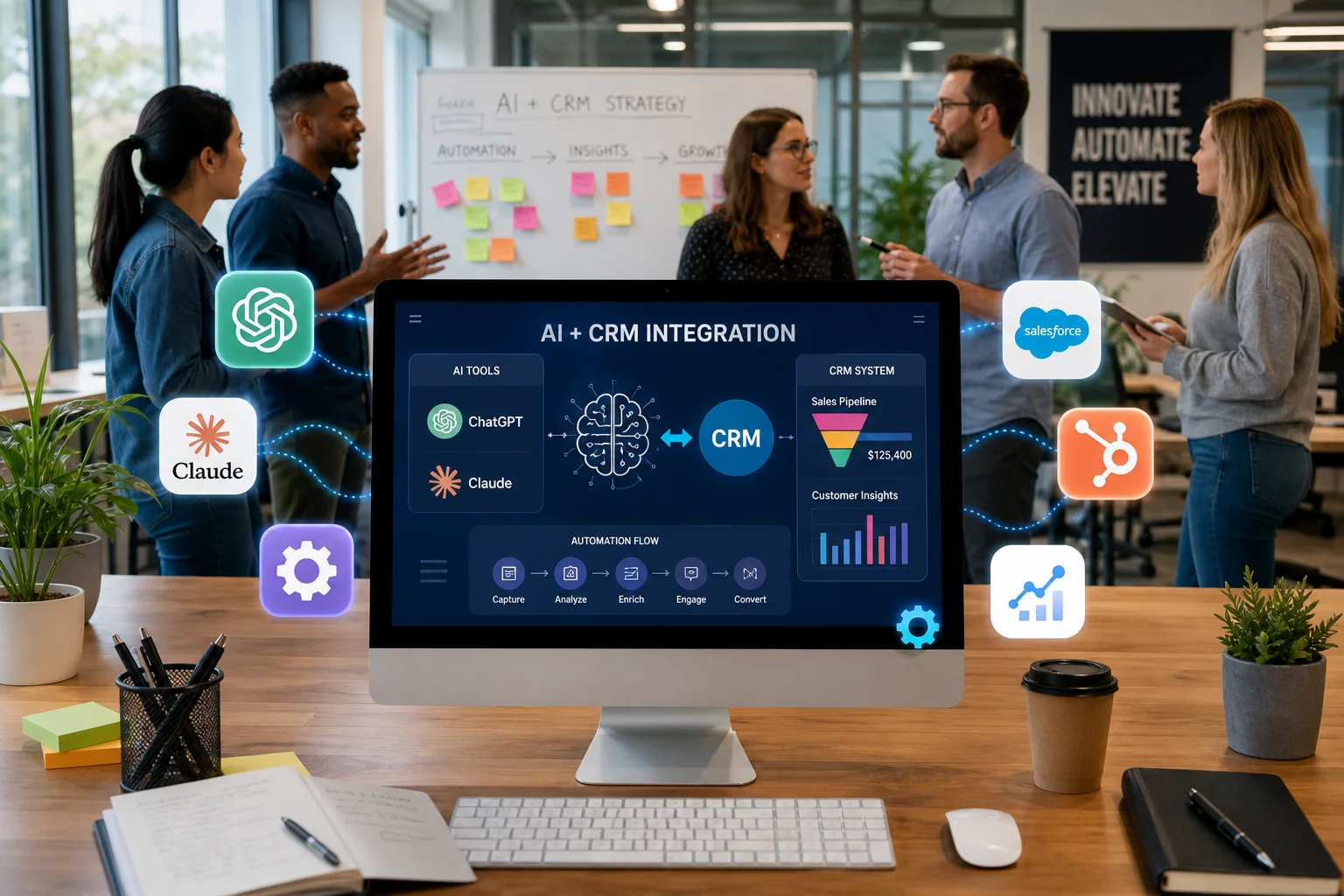
A vibrant digital workspace illustration showcasing AI and CRM tools, highlighting teamwork and innovation in a modern settin

Integrating AI tools like ChatGPT or Claude with your CRM can enhance your marketing efforts. However, understanding the right tools and resources is essential for a smooth and secure integration. Here’s what you need to know.

Popular CRM Platforms Supporting AI Integration

Many popular CRM platforms support AI integration, making it easier to connect ChatGPT or Claude. Some of the most notable include:

  • HubSpot: Commonly used CRM that can be connected to external tools through integration methods to help with lead qualification and customer interactions.
  • Klaviyo: A marketing platform that offers AI-assisted features and can be connected to your customer data workflows to automate responses based on customer behavior.
  • Salesforce: Provides tools for AI integration that can support data-driven decision-making within its platform.
  • Zoho CRM: A CRM that can be connected to external tools to support automated responses and customer insights.

Useful Tools for Implementation

When connecting ChatGPT or Claude to your CRM, specific tools can facilitate the process:

  • Zapier: Acts as a bridge between applications, allowing you to create workflows that trigger actions based on user input. For example, when a lead fills out a form, Zapier can send that data to your CRM and initiate a ChatGPT response.
  • Make: Similar to Zapier, this tool enables automation of workflows, helping you manage how data flows between your CRM and AI tools without manual input.
  • API Documentation: Always refer to the official API documentation of the platforms you are using. This resource provides guidelines on data mapping and security protocols, critical for maintaining data quality during the integration process.

Community and Support Resources

Utilizing community and support resources can greatly aid in your integration efforts:

  • Forums and User Groups: Join communities related to your CRM or AI tools. These platforms often have users sharing their integration experiences and troubleshooting tips.
  • Documentation and Tutorials: Explore the official documentation from both your CRM and AI platforms. Many also offer tutorials that can guide you through specific integration processes.

Hypothetical Example of
AI CRM Integration

Scenario Overview

For this example, let's consider a small e-commerce business using HubSpot as their CRM. The business wants to improve customer engagement and streamline their marketing efforts by integrating ChatGPT into their workflow. The goal is to automate responses for customer inquiries and enhance lead management without compromising data quality.

Workflow Process Explained

  1. Lead Capture: When a user fills out a contact form on the e-commerce site, this action triggers a webhook in HubSpot.
  2. ChatGPT Interaction: The captured contact details are passed to ChatGPT through your integration setup, which generates a personalized response. This could include answering questions about product availability or shipping options.
  3. Data Mapping: The generated responses are mapped back into specific fields within HubSpot. For example, if the inquiry was about a product, the response is recorded in a notes field associated with the lead.
  4. Follow-Up Automation: After the interaction, an automated workflow can be triggered in HubSpot. For instance, if a user expressed interest in a specific product, the system can automatically send a follow-up email with more details or promotional offers.
  5. Monitoring and Quality Assurance: The business regularly reviews interactions logged in HubSpot to ensure data accuracy and relevance. This step is crucial to maintain data quality and prevent any potential misinformation from being recorded.

Expected Outcomes

By connecting ChatGPT to their CRM, the e-commerce business can expect several benefits:

  • Increased Efficiency: Automated responses reduce response time, allowing the team to focus on more complex inquiries.
  • Enhanced Customer Experience: Personalized interactions can improve customer satisfaction and engagement.
  • Data Integrity: Regular monitoring ensures that all data logged in the CRM remains accurate and relevant, minimizing risks associated with incorrect information.

This integration demonstrates a practical approach to using AI tools effectively while safeguarding data quality.

Conclusion

A diverse team collaborates in a modern office, engaging with a digital screen showcasing AI and data security concepts.

Integrating AI into your CRM can transform your customer engagement strategy. Key points include understanding API integration, ensuring data quality, and addressing security concerns. By learning how to connect ChatGPT to your CRM, you can streamline workflows and improve efficiency. Remember, thoughtful integration can lead to significant benefits without compromising your data.

Start by assessing your current CRM and identifying how AI tools can fit into your processes. Consider exploring available resources and tools that facilitate integration while prioritizing data protection.

Questions
Answered

Common questions related to this topic.

What is connect chatgpt to crm?

Connecting ChatGPT to a CRM involves integrating the AI tool with customer relationship management software to enhance data handling and communication. This integration can automate responses, streamline workflows, and improve customer interactions, making it easier for businesses to manage their customer relationships efficiently.

How does connect chatgpt to crm work?

To connect ChatGPT to a CRM, you typically use APIs to facilitate data exchange between the two systems. This process may include setting up data mapping and configuring webhooks to ensure real-time updates. The key benefit is the ability to automate tasks like lead responses and data entry, reducing manual workload.

Why should I consider AI CRM integration?

AI CRM integration can significantly improve efficiency by automating repetitive tasks and providing insights based on customer interactions. By leveraging AI tools like ChatGPT, businesses can enhance customer engagement and ensure timely follow-ups, ultimately leading to better customer satisfaction and loyalty.

What are the common challenges in AI CRM integration?

Common challenges include ensuring data quality and maintaining data security during the integration process. Misconfigurations can lead to data loss or inaccuracies, which could undermine customer trust. Addressing these challenges requires careful planning and testing to ensure smooth operation.

Can I trust the data quality when I connect ChatGPT to CRM?

While AI can enhance data handling, it’s essential to validate the data being processed. Implementing proper data mapping and quality checks during integration can help maintain accuracy. Regular audits can also ensure that the data remains reliable over time, minimizing risks associated with incorrect information.

When is the best time to integrate AI tools into my CRM?

The best time to integrate AI tools like ChatGPT into your CRM is when you notice repetitive tasks consuming significant resources or when you want to enhance customer engagement strategies. Early integration can set the stage for improved workflows and a better understanding of customer needs as your business grows.

Free Strategy Call

Ready To GrowThis Into Results?

Learn how to connect ChatGPT to CRM while maintaining data quality and integrity.

Opportunity Assessment
Channel Review
Growth Recommendations
No Obligation
OR

Prefer to reach out directly? We'll get back to you as soon as possible.

Contact MASS DATA Today
Scroll to Top